🦞 How We Started Agent Analytics
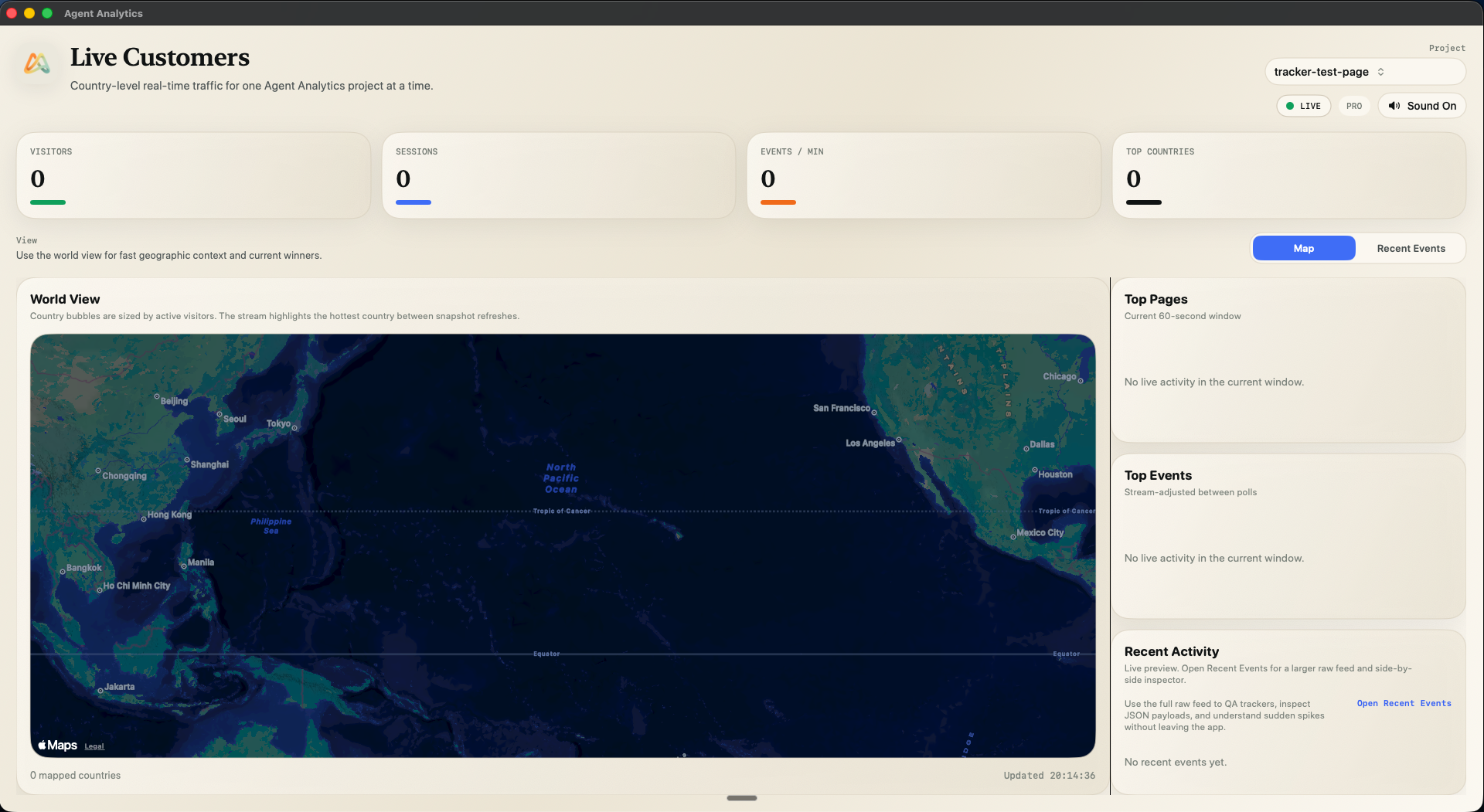
I was paying $28/mo to track pageviews across 5 side projects. I didn't want dashboards. I wanted my AI agent to handle it.

I build a lot with Claude Code and OpenClaw. Side projects, tools, landing pages. At any given time I’ve got 3-5 things live.
Mixpanel has a solid free tier — the dashboards are genuinely impressive. But I didn’t want dashboards. I wanted my AI agent to query the data. And for API access? Mixpanel charges $28/mo. Just so my agent could read pageview counts.
Oh, and each project needed a separate API key.
So I was paying $28/mo for the privilege of letting my agent access basic pageview data across a handful of side projects. It’s like they forced me into building an alternative. 😄
What I Actually Wanted
Reliable analytics with a solid API and CLI that my OpenClaw agent could use natively. Something it could install, query, and act on — without me opening a browser. Every tool I tried assumed a human would open a browser and look at charts. But I was already using my OpenClaw agent for everything else — deploying, managing content, running ads. Why should analytics be the one thing that pulls me back to a dashboard?
So I Built One
Agent Analytics started as a simple Cloudflare Workers project. Edge-deployed, fast, cheap to run. The core idea:
API-first analytics that any AI agent can use natively.
No dashboard-first design. No complex SDK. Four layers, each building on the last:
- A ~2KB tracking script — auto-captures pageviews, custom events, CTA clicks, signups, errors. Drop it in before
</body>and it works. - An API that does the thinking — not just raw data. Stats, trends, funnels, retention, A/B experiment results, breakdowns by page, referrer, country, device. Even creating projects and managing experiments is done through the API. Everything is API-first.
- A CLI that wraps the API — so any agent that can run
npxhas full access. Query stats, create experiments, check funnels — all from the command line. - A skill that teaches the agent how to grow — the ClawHub skill isn’t just API docs. It’s a growth playbook. It teaches your agent what to track, when to run experiments, how to read funnels, and how to close the growth loop. The skill turns your agent into a growth machine.

I built it for myself first. Deployed it, added tracking to all my projects, and pointed my OpenClaw agent at it.
What Changed
Once my agent had access to real analytics data, things started compounding.
My OpenClaw now:
- Installs tracking snippets on new projects automatically
- Creates projects on the analytics service
- Queries stats across everything — I wake up to a daily brief
- Runs A/B experiments — declarative HTML variants, no SDK needed
- Monitors growth — flags anomalies, spots trends, suggests next moves
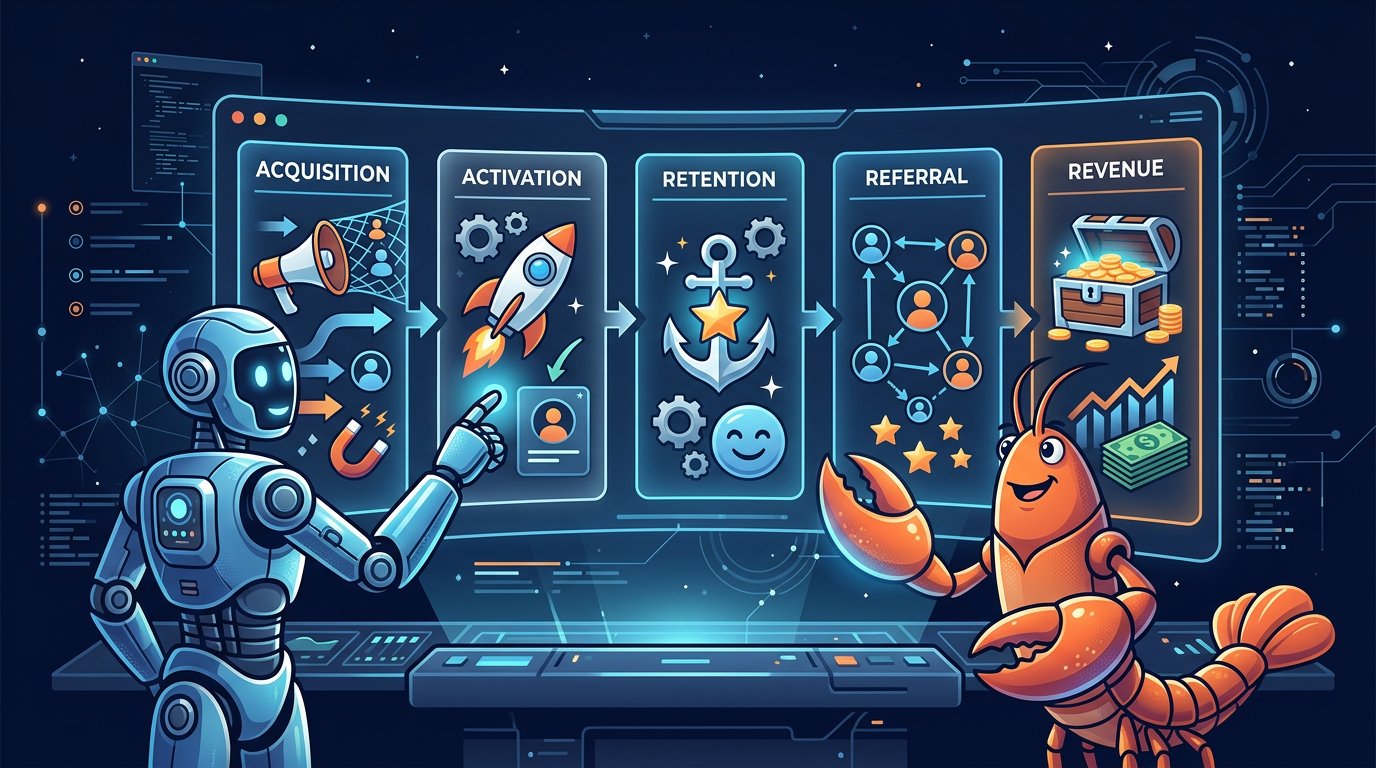
Combine that with other skills to manage ads or social posts, and it really moves the needle. The agent doesn’t just report numbers — it acts on them.
The Growth Loop
This is what clicked for me: AI agents need closed loops to work effectively.
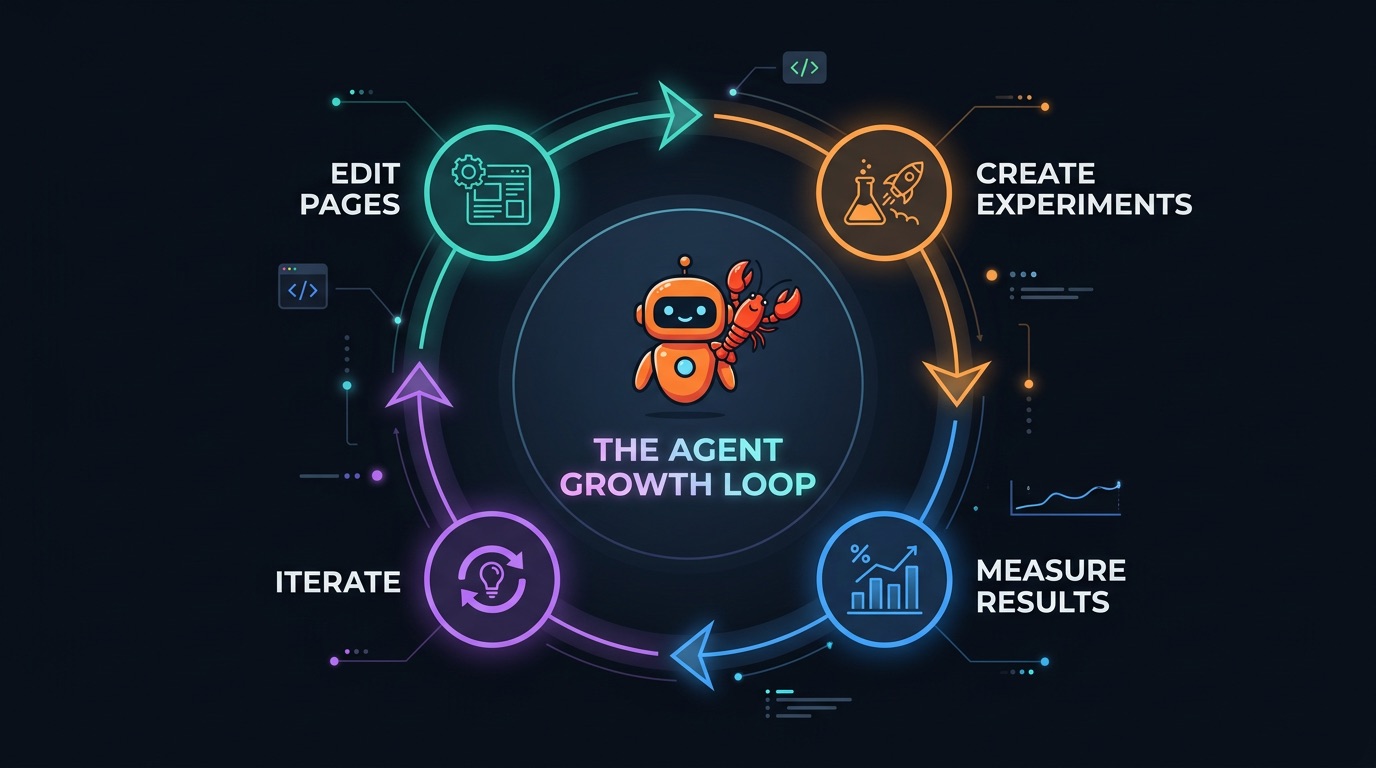
My agent could already edit pages, create experiments, and iterate. But the Measure Results step was broken. There was no analytics tool my agent could query programmatically without me paying $20-40/mo for API access — and even then, none of them were built for how agents work.
That’s the gap Agent Analytics fills. Without it, the loop breaks. Your agent can write code and deploy, but it can’t answer “did it work?” — so it can’t improve.
Agent Analytics is the measurement layer that closes the loop. Stats tell you if a project is alive. Funnels show where users drop off. Retention shows if they come back. Experiments tell you if a change was better.
Your agent needs all of those signals to make good decisions about what to do next.
Available Now
Agent Analytics is available as a ClawHub skill. Setup is just installing the skill and connecting your projects.
The skill plus the analytics service turns your OpenClaw into a growth machine.
It’s also open source — self-host it on Cloudflare Workers, a VPS, or anywhere Node.js runs. Your data stays yours.
Or use the hosted version at agentanalytics.sh — free tier includes unlimited sites and 1,000 lifetime events to get started.