Best Analytics for AI-Built Side Projects
A practical comparison of Plausible, Umami, PostHog, Mixpanel, Google Analytics, and Agent Analytics for builders shipping side projects with Claude Code, Cursor, Codex, OpenClaw, and similar AI workflows.
2026 is the year one person can ship like a team.
Claude Code, Cursor, Codex, OpenClaw, Windsurf, and similar tools make it much easier to launch side projects, landing pages, experiments, docs, and new product ideas without waiting on a full company around you.
That is great for execution.
It also creates a new bottleneck.
After the work ships, what was the actual outcome?
- Did the launch post create signups or just clicks?
- Did the onboarding change improve activation or just move users around?
- Did the pricing test improve conversion or only increase noise?
- Did the SEO page bring qualified users or just more traffic?
That is the missing layer for AI-built side projects: outcome measurement.
If execution is getting automated, analytics cannot stay trapped inside a dashboard you promise yourself you will check later.
The system that wins is the one that can see what happened after the work shipped.
That is why the right analytics tool for an AI-built side project is often not the same as the right analytics tool for a larger product team.
This post is the practical version.
Not a giant feature matrix. Not vendor bingo. Just a clear answer to the question:
what analytics tool should you use if AI helped you build the project and you want to know whether it is actually getting traction?
The Short Version
If you just want the quick answer:
- Use Plausible if you want simple, privacy-friendly website analytics with a clean UI
- Use Umami if you want a lightweight open source analytics tool you can self-host
- Use PostHog if you want a very broad product analytics platform and do not mind complexity
- Use Mixpanel if you are running a more mature product analytics workflow with serious event analysis needs
- Use Google Analytics if you are already deep in the Google ecosystem and can tolerate its workflow
- Use Agent Analytics if you already ship with Claude Code, Cursor, Codex, OpenClaw, or similar tools and want your existing AI agent to inspect analytics, compare projects, read funnels, and help decide what to do next
That last category is the key difference.
Most analytics tools are built for a human opening a dashboard.
Agent Analytics is built for a workflow where the agent is part of the measurement loop.
What Changes When AI Helps You Ship
The main shift is not that your side project becomes “an AI product.”
The main shift is that you can create more surface area faster:
- more landing pages
- more experiments
- more small products
- more feature branches that become real launches
- more domains and subdomains
- more things that might quietly start working
That changes the analytics problem.
The old model was simple:
- ship something
- open a dashboard later
- try to figure out what changed
- decide what to do next
The new model needs to be tighter:
- ship something
- measure what happened
- inspect the bottleneck
- feed that learning into the next action
That is the real shift.
You are not just choosing a charting product.
You are choosing the measurement layer for the way you build now.
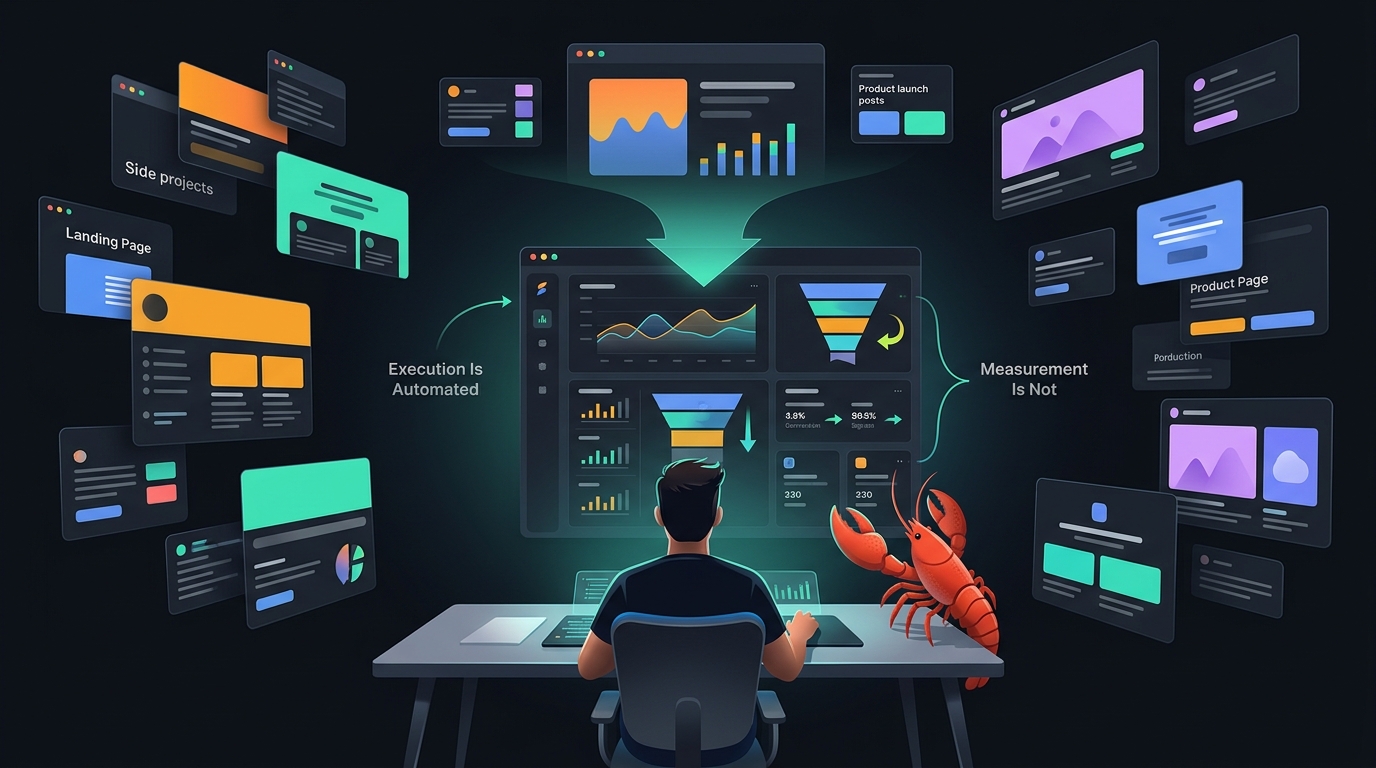
The Real Split: Execution Is Automated, But Measurement Usually Is Not
This is the part most people feel without naming clearly.
Execution is getting faster every month.
One person can now act like they have a design team, an engineering team, a content team, and an ops team behind them.
But after all that work ships, most builders still fall back to the same old habit: open a few dashboards, click around, and try to manually reconstruct what happened.
That is the fragile part.
Because the real question is not whether the work got done.
The real question is:
did the work change the business outcome?
That is why analytics matters more in the AI era, not less.
Not because we need more charts.
Because we need a way to turn execution into learning.
How I Would Evaluate Analytics for AI-Built Side Projects
For this use case, I would judge tools on six things:
1. Can I get useful answers quickly?
If the tool makes me do a lot of setup and dashboard spelunking just to answer “is this project alive?” it loses points.
2. Is it lightweight enough for side projects?
A side project usually does not need enterprise analytics architecture on day one.
3. Does it handle product questions, not just traffic?
Page views are useful, but I also want events, funnel steps, and enough structure to understand whether people are getting to value.
4. Can it scale across multiple projects?
This matters a lot now. One project is easy. Eight is where the workflow breaks.
5. Can my existing AI agent use it well?
This is where most tools still feel behind. Good human dashboards do not automatically translate into good agent workflows.
6. Will I still want this setup a month from now?
The best analytics stack is the one you will still use after the excitement of launch week is gone.
1. Plausible
Best for: simple website analytics, privacy-first traffic reporting, clean human dashboards
Plausible is one of the easiest tools to recommend for side projects in general.
It is lightweight, understandable, privacy-friendly, and much less bloated than older analytics products. If your main question is “are people visiting this thing and where are they coming from?” Plausible is a strong choice.
Where Plausible is strong
- clean UI
- quick setup
- privacy-first positioning
- good for page views, referrers, campaigns, and top pages
- much easier to live with than a heavyweight product suite
Where Plausible starts to break for AI-built side projects
Plausible is still mainly a human dashboard workflow.
That is fine if you are happy checking it yourself.
It gets less ideal when you want an agent to inspect multiple projects, compare them, analyze deeper product behavior, or participate in an experiment loop.
Choose Plausible if
- you want the cleanest human-first option
- most of your questions are traffic and acquisition questions
- you do not need your agent deeply inside the analytics workflow
2. Umami
Best for: lightweight open source website analytics
Umami is the open source version of the “keep it simple” philosophy.
If you want a basic, self-hostable analytics product without a lot of ceremony, Umami makes sense.
Where Umami is strong
- open source
- lightweight
- straightforward setup
- good fit for builders who want control without a giant stack
Where Umami starts to break
Like Plausible, Umami is strongest when the job is straightforward traffic reporting.
If your side project needs more serious funnel analysis, experiment workflows, or cross-project agent-readable inspection, you will probably outgrow it faster.
Choose Umami if
- you want a simple open source option
- you mainly care about traffic and basic event visibility
- you are optimizing for low overhead more than advanced analysis
3. PostHog
Best for: teams that want a broad product analytics platform with room to grow
PostHog is powerful.
It covers a lot: events, funnels, session replay, feature flags, experiments, and more. If you know you want a broad product analytics system and are willing to deal with the surface area, PostHog can absolutely work.
Where PostHog is strong
- broad feature set
- strong product analytics depth
- funnels and experimentation are more mature than lightweight traffic tools
- can support a team as the product becomes more serious
Where PostHog gets heavy
For small side projects, PostHog can feel like bringing a whole operating system when you wanted a clean answer.
It is not that it is bad. It is that the complexity cost is real.
And again, the default workflow is still centered on humans operating a product UI.
Choose PostHog if
- you want a fuller product analytics platform
- you are willing to trade simplicity for depth
- the project is becoming serious enough that you expect broader analytics needs soon
4. Mixpanel
Best for: mature event-heavy product analytics workflows
Mixpanel is great when you have a team that really lives in event analysis.
If you care deeply about segmentation, cohorts, retention analysis, and product questions at a fairly mature level, Mixpanel is still a serious option.
Where Mixpanel is strong
- mature event analytics
- good retention and funnel capabilities
- strong fit for product teams that already know exactly what they want to measure
Where Mixpanel is weaker for this use case
For AI-built side projects, Mixpanel often feels like more machine than you need.
It also still assumes a human-led workflow most of the time. That matters if the thing you actually want is not another place to click around, but a system your agent can query and use as part of an ongoing loop.
Choose Mixpanel if
- your project is graduating from side project to product team
- you have strong event discipline already
- you want a mature analytics product and do not mind the heavier workflow
5. Google Analytics
Best for: people already committed to the Google ecosystem
Google Analytics is still everywhere.
That alone means many builders will use it by default.
If you already rely on Google tools, ad reporting, and familiar reporting patterns, it can be good enough.
Where Google Analytics is strong
- ubiquitous
- lots of existing documentation
- useful if your workflow already depends on Google
Where it struggles here
For a fast-moving side-project workflow, Google Analytics often feels like the opposite of what I want.
It is not the tool I would choose if the goal is simple answers, low friction, and agent-friendly measurement.
Choose Google Analytics if
- you already use it everywhere else
- you want continuity with the rest of your stack
- you are okay with a more traditional analytics workflow
6. Agent Analytics
Best for: builders using AI coding tools who want their existing agent to inspect, compare, and act on analytics
This is where the category changes.
Agent Analytics is not trying to be “the prettiest dashboard for humans.”
It is built around a different assumption:
you already have an AI agent, and that agent needs a measurement layer.
If you use Claude Code, Cursor, Codex, OpenClaw, Windsurf, or similar workflows, the point is not to buy another AI product.
The point is to give your existing agent direct access to:
- page views and events
- cross-project inspection
- funnels and drop-offs
- retention
- experiments
- a programmatic surface it can inspect in chat or autonomously
Where Agent Analytics is strong
- built for agent workflows, not just human dashboard workflows
- works well when you have multiple projects
- lets the agent inspect what changed across projects
- designed around growth loops: ship, track, inspect, test, iterate
- keeps experiments closer to the same measurement workflow
Where Agent Analytics is not the right fit
If you do not care about agent workflows at all, and you just want a normal website analytics dashboard, a simpler human-first tool may be enough.
This is not about tracking what the AI agent does internally.
It is about giving the agent the product analytics it needs to answer:
- what changed?
- what is getting traction?
- where is the bottleneck?
- what should we test next?
Choose Agent Analytics if
- you are already building with AI coding tools
- you have multiple projects or experiments to monitor
- you want analytics and experiments your agent can inspect directly
- you want cross-project answers, not dashboard babysitting
Which Tool I Would Pick in Real Life
If I were choosing today, my recommendation would look like this:
Pick Plausible when
You want a clean, privacy-first analytics tool for a side project and you are happy checking the dashboard yourself.
Pick Umami when
You want a lightweight open source tool and mostly care about traffic-level visibility.
Pick PostHog when
You want a broader product analytics platform and can tolerate complexity.
Pick Mixpanel when
You are doing serious product analytics and already operate with a mature event model.
Pick Google Analytics when
You are already all-in on Google and do not mind the workflow.
Pick Agent Analytics when
Your side projects are already being built with AI help and the real bottleneck is no longer shipping.
The bottleneck is measurement.
More specifically:
you do not want to manually check a pile of dashboards, and you want your existing AI agent to know what is happening across your projects.
That is the use case Agent Analytics is built for.
The Real Split: Human Dashboard vs Agent-Readable Measurement
That is really the decision underneath all of this.
Most analytics tools are built for a workflow where a human opens a dashboard and investigates.
That model still works.
But AI-built side projects create a new workflow:
- more launches
- more projects
- more tests
- more pages
- more things to monitor
- less patience for manual analytics rituals
So the question becomes:
do you want another dashboard, or do you want your existing AI agent to help run the measurement loop?
If you want another dashboard, the classic options are still good.
If you want agent-readable analytics, that is where the market is still thin, and why we built Agent Analytics.
Final Answer
The best analytics tool for an AI-built side project depends on what kind of workflow you want.
If you want simple human-first analytics, start with Plausible or Umami.
If you want deep product analytics, look at PostHog or Mixpanel.
If you are already building with Claude Code, Cursor, Codex, OpenClaw, or similar tools and want your existing agent to inspect traffic, funnels, retention, and experiments across projects, use Agent Analytics.
Because the real shift is not that AI helped you ship.
The real shift is that your measurement layer now has to keep up.
Related: 🦞 Analytics Closes the Agent Feedback Loop · Vibe Coding Made Me Ship More Projects Than I Could Track Manually · 🦞 Set Up Agent Analytics with OpenClaw (5 Minutes)