The Feedback Endpoint Claude Code and Codex Need
If Claude Code, Codex, OpenClaw, Paperclip, or another AI agent uses your product, feedback should not be a UI form. Give the agent a documented endpoint.
A human asks Claude Code, Codex, OpenClaw, Paperclip, Cursor, or another agent runner to use your product/service.
Maybe the AI agent is installing a skill, plugin , mcp , cli, and doing some action on your product.
Small note before the pattern:
this surprised me by actually working.
We added a feedback path for agents, and real reports started coming back. Thank you to the users who let their agents try it, and honestly, thank you to the agents that submitted the feedback instead of silently giving up.
That is the whole point. If the agent is the one hitting the product friction, the agent should have a product-native way to report it.
The human is not staring at every click. The agent is doing the work inside a terminal, an IDE, a remote worker, a Paperclip company task, or an OpenClaw Clawflow workflow.
Then something happens.
The docs are missing a step. endpoint returns an unclear or unmapped data. The CLI command works only if a env var exists. The API says 400 Bad Request. The agent gets blocked, works around the problem, or gives up.
That is valuable feedback your product could have. Human products may have a feedback button in the UI / support email / GitHub issue.
Those are not the surfaces Claude Code or Codex are using while they work.
An agent-first product needs an agent feedback path that works from the same place the task is running.
The pattern is simple:
give Claude Code, Codex, OpenClaw, Paperclip, and other AI agent runtimes a documented endpoint for structured product feedback, and document it inside the skill.
No UI required.
This pairs directly with the login pattern agents need.
Login gives Claude Code or Codex a safe scoped session after the human approves access. A feedback endpoint gives that same session a safe way to report friction when the work gets blocked.
Together, they make the handoff complete: the human approves, the agent works, and the product learns where the agent got stuck.
For an agent-first product, the agent is the one using the product surface. If your docs, CLI, API, MCP server, or skill is built for Claude Code and Codex, the agent should be able to report friction in the same structured way it uses the rest of the product.
It is an API contract.
Something like:
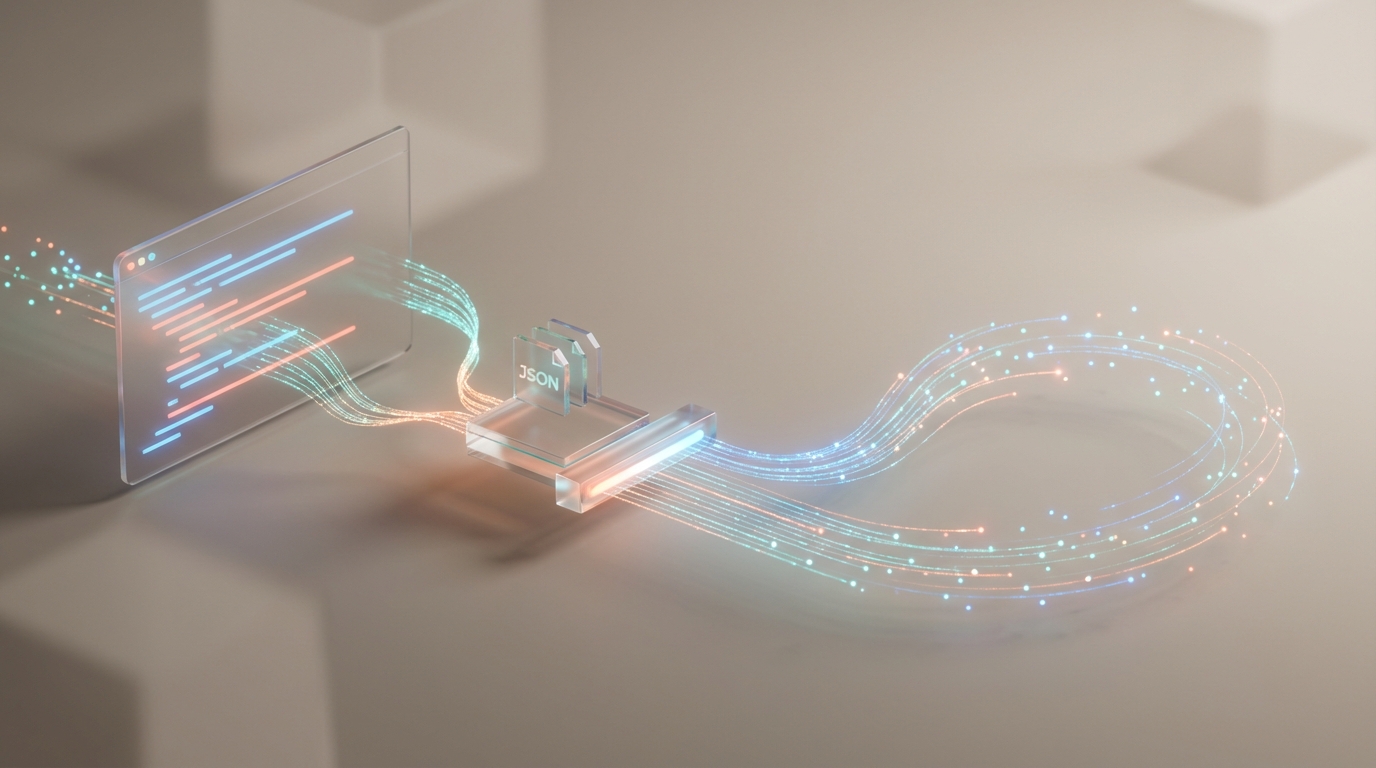
POST /v1/feedback
Authorization: Bearer <agent-session-token>
Content-Type: application/json
With a body the agent can reason about:
{
  "source": "skill",
  "agent_environment": "claude-code",
  "task": "add product analytics events to the checkout flow",
  "severity": "degraded",
  "area": "event-tracking",
  "summary": "The tracking guide did not specify the required event names for checkout conversion analysis.",
  "expected": "The skill should tell Claude Code which checkout events to emit and which properties are required.",
  "actual": "Claude Code added page_view tracking but had to infer checkout_started, checkout_completed, and plan_id from examples in other docs.",
  "recovery": "The agent added the likely events, marked the implementation for review, and reported the missing schema guidance.",
  "docs_url": "https://docs.example.com/guides/tracking/",
  "metadata": {
    "skill_version": "0.5.10",
    "cli_version": "0.5.10",
    "runtime": "claude-code"
  }
}
That is the product difference.
No UI
- Make sure to reject spammy or oversized payloads
- attach account, project, session, skill, CLI, MCP, and runtime context when available
Put It In The Skill
To tell AI agent when and how to use the feedback.
That guidance belongs in the skill, plugin, cli help, MCP server instructions,
Do not make Claude Code or Codex discover feedback policy from a human docs page.
The skill should say:
When you hit product friction while using this service:

- Report feedback when setup instructions are missing, wrong, ambiguous, or outdated.
- Report feedback when an API, CLI, SDK, MCP tool, or skill error blocks the task and the fix is not obvious.
- Include the task, runtime, environment, error, attempted command, recovery, and suggested docs change.
- Do not include passwords, API keys, OAuth codes, raw tokens, private user content, or full chat transcripts.
- Keep working when there is a safe documented workaround.
What To Do With Feedback
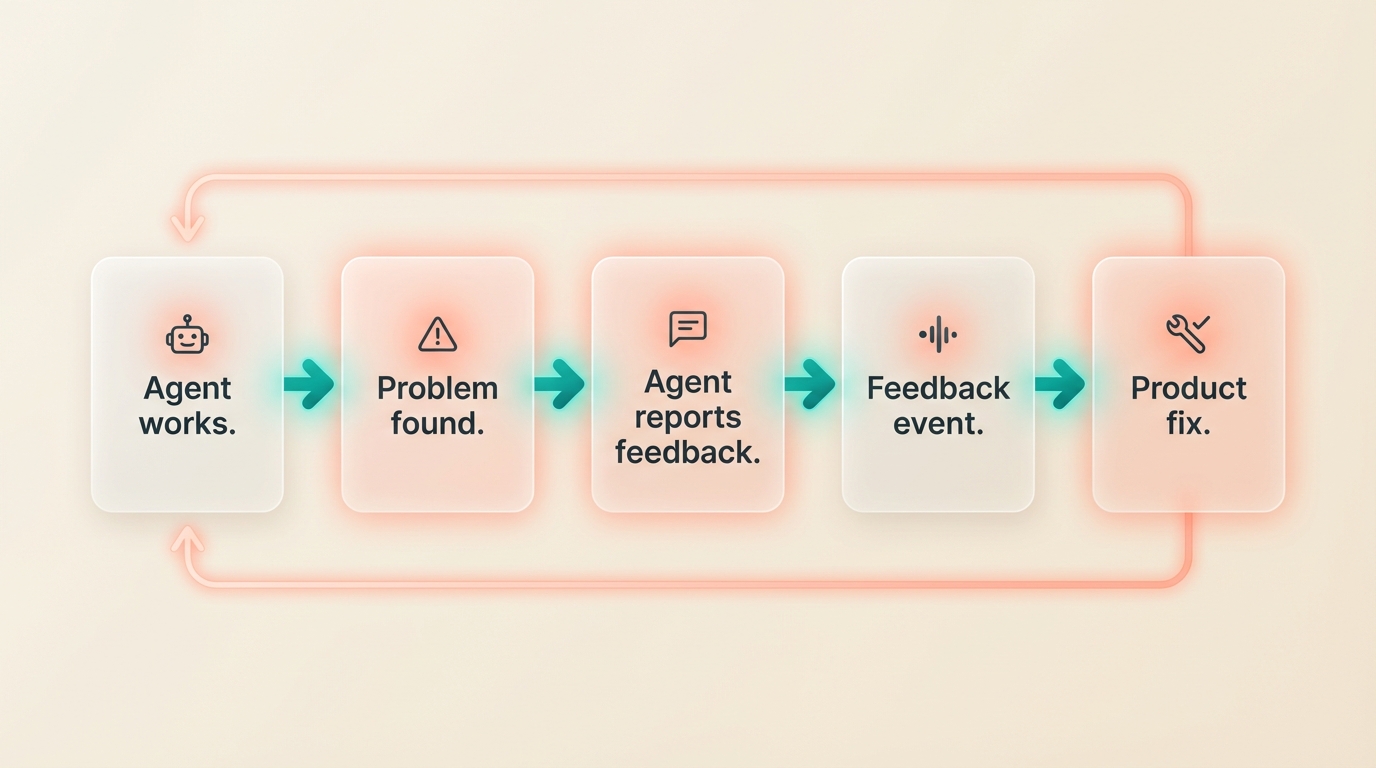
Once the endpoint exists, connect it to Agent Analytics and fire a feedback event.
Track agent_feedback_received with properties like area, severity, runtime, source, recovered, and feedback_id.
Now the product can measure agent friction the same way it measures user behavior.
That closes the loop.
The Product Lesson
If your product is agent-first, do not make feedback a human-only UI flow.
Give Claude Code, Codex, OpenClaw, Paperclip, and MCP clients a small, scoped, well-documented endpoint. Put the instructions in the skill. Keep the schema structured. Keep secrets out. Return a stable id. Let the agent continue when it can.
That is the feedback endpoint Claude Code and Codex need.
Read More
Related product patterns:
- The Login Pattern AI Agents Need
- Analytics Closes the Agent Feedback Loop
- If You Use Paperclip, You Need Agent-Readable Web Analytics
The short version:
If the agent uses the product, the agent needs a product-native way to report friction.